
Signing in
How to sign in, how the PIN and the lock screen work on a machine several people share, and what to do when it will not let you in.
3 min read
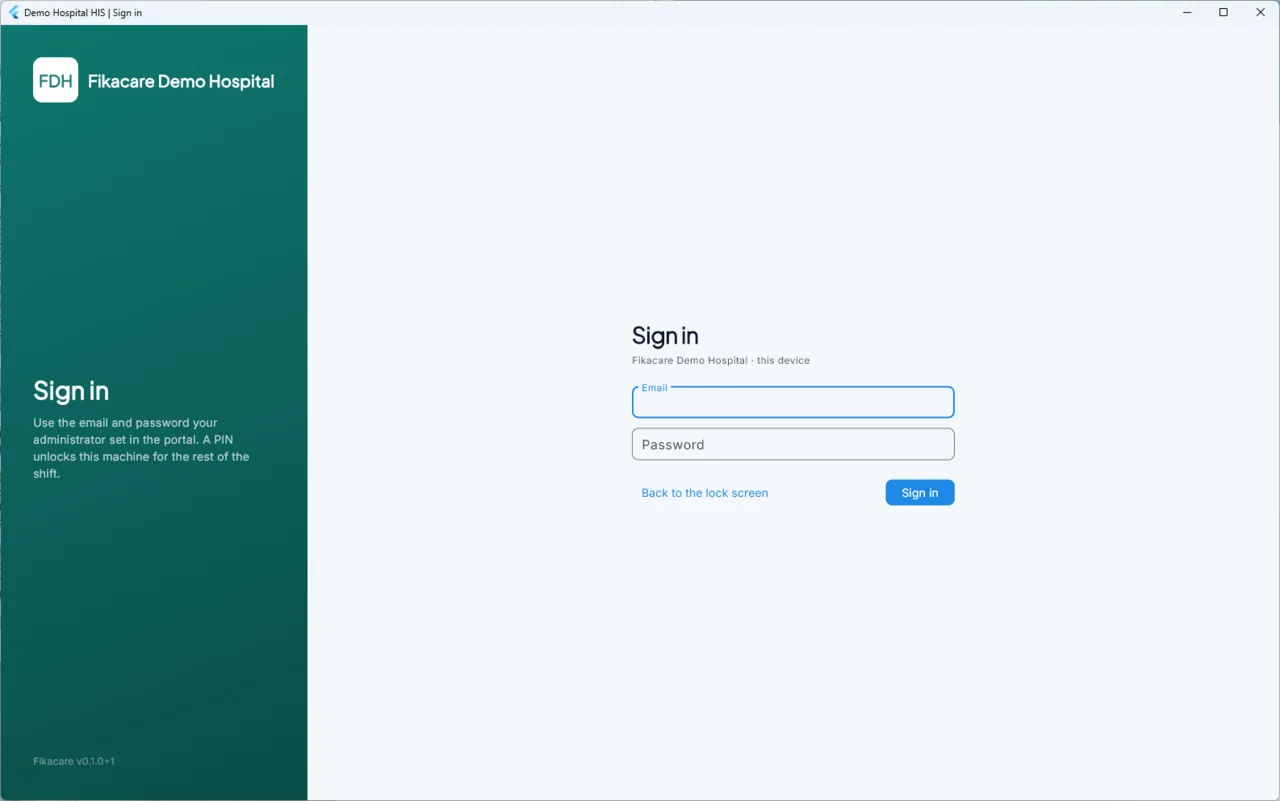
Signing in
Enter your email address and password, and choose Sign in. The machine does not need a connection: it can check your sign-in on its own, so you can start work during an outage exactly as on any other day.
The first sign-in on a machine does need to have reached the cloud at least once, so that the machine knows who your staff are. After that it remembers.
The idle lock and your PIN
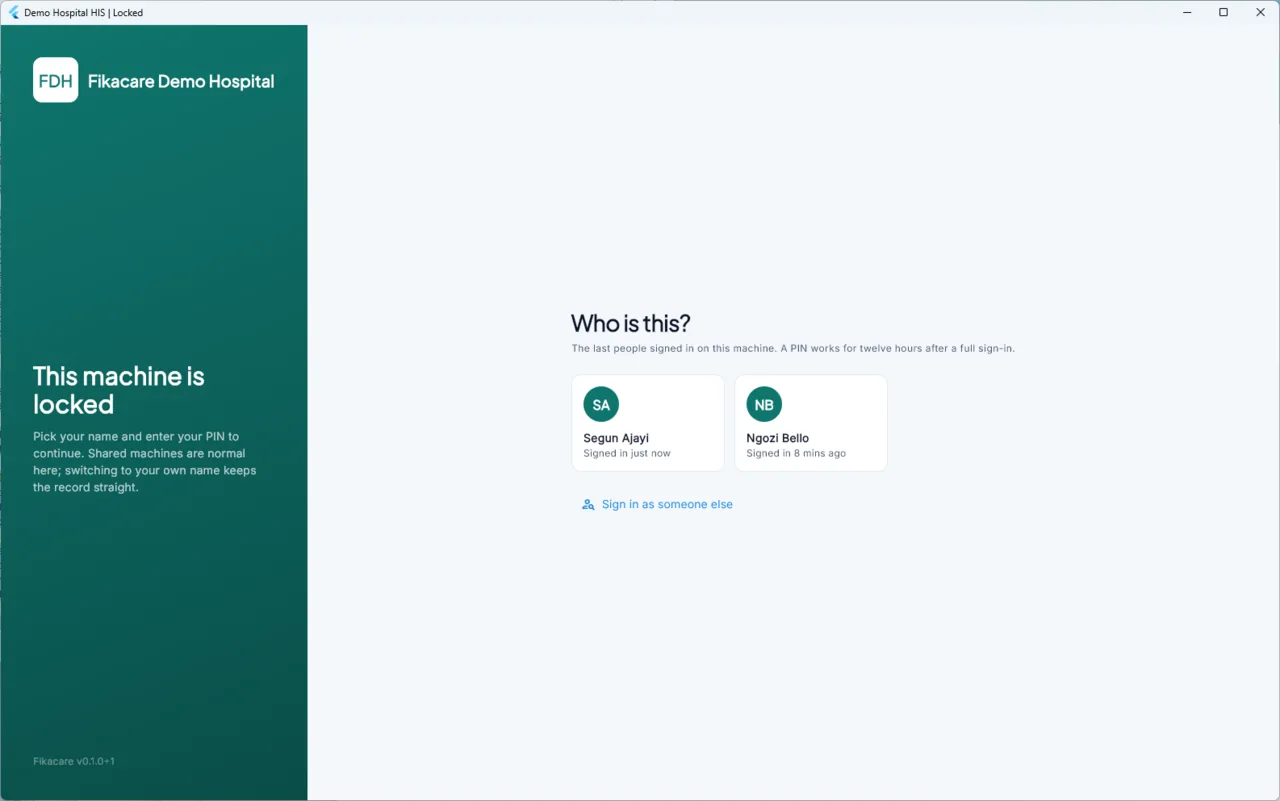
If a machine is left alone for a few minutes it locks itself. This is for a waiting room where a screen is visible to whoever walks past, and for a consulting room where the previous patient's record should not be on display when the next one sits down.
The lock screen shows the people who last signed in on this machine. Pick your name, enter your PIN — a short number, not your password — and you are back.
A PIN works for twelve hours after a full sign-in. After that, or on a machine you have not used before, you need your email and password again.
This is built for how a hospital actually works: one machine at reception, used by whoever is on. Pick your own name rather than unlocking as the person before you. It is the same three taps either way, and it is the difference between the record saying who did something and the record being wrong.
Anything done while somebody else's session is open is recorded as done by them. That is worth caring about on the day a receipt or a note has to be explained.
Sign in as someone else at the bottom of the lock screen takes the full sign-in form, for somebody whose name is not on it.
When it will not let you in
"Your password is not right." Check the keyboard's caps lock and that the email is the one your hospital registered. Passwords are not stored on the machine in a form anybody can read, so nobody can look yours up — it has to be reset in the portal by whoever manages staff.
"This machine is not approved." The machine has enrolled but nobody has approved it yet. An administrator approves it in the portal; until then it cannot open the hospital's records. This is the intended behaviour for a machine that has just been set up — or for one that should not be there.
"The administrator changed what this machine does." You were signed out by a change made elsewhere, not by a fault. See I was signed out and I do not know why.
You can sign in but a module is missing. That is not a sign-in problem. See Who can see what.